Docs(37)

NO IMAGE
Modules Overview
This article shows how to install, uninstall and upgrade modules.
NO IMAGE
Back to Top
AKA return to top, a button to back to top.
NO IMAGE
Progress Bar
A progress bar will be shown when opening a new page in the current tab and window.
NO IMAGE
Diagrams
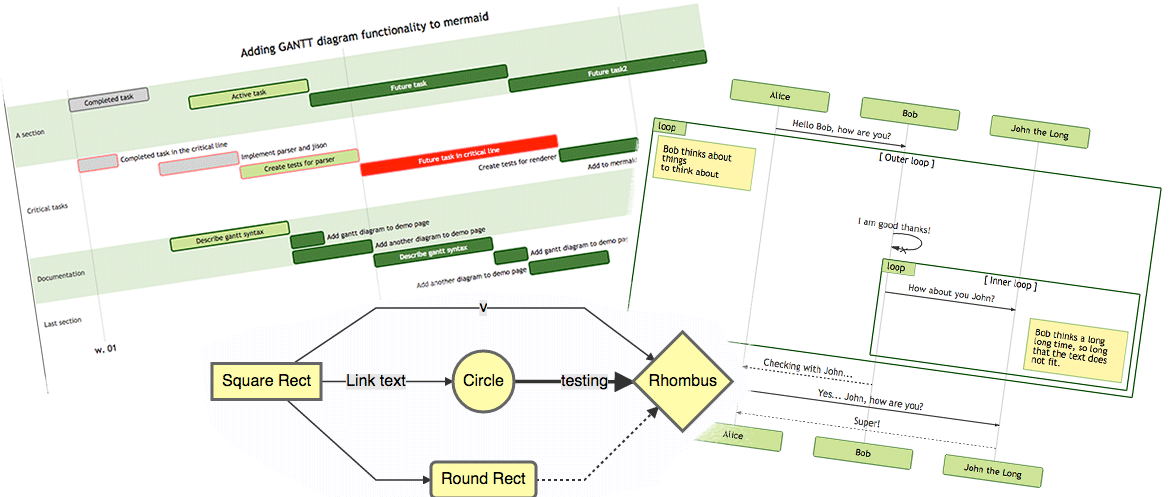
HB supports GoAT and Mermaid for rendering diagrams.
Mermaid
Mermaid is a JavaScript-based diagramming and charting tool that uses Markdown-inspired text definitions and a renderer to create and modify complex diagrams.
NO IMAGE
Prerequisites
Please make sure you meet the prerequisites prior to using or developing the HB and its modules.
Required Configurations TOML YAML JSON hugo.toml
1[build] 2 writeStats = true hugo.yaml
1build: 2 writeStats: true hugo.json
1{ 2 "build": { 3 "writeStats": true 4 } 5} The build.writeStats is used to collect used CSS, such as classes, ids and tags, which will be used to purging unused CSS. Build Tools Name Version Description Hugo For building site.
NO IMAGE
Style Guide
Undoubtedly, the same coding style helps developers to cooperate with each other. We suggest taking a few minutes to learn about the coding style used, if you’re going to help us improve the code.
NO IMAGE
Installation
We provide a starter theme template for you to create a HB site quickly.
NO IMAGE
Introduction
HB (Hugo Bootstrap) is a modular framework that built on top of Hugo and Bootstrap v5.3.0+. HB is not a theme, it’s used to build one.
Motivations I’m creating and maintaining a feature-rich theme called Hugo Bootstrap Theme, but everyone has their own unique tastes and one theme can’t satisfy everyone, so why not modularize the features? Thus, HB was born. With HB and it’s powerful modules, creating a brand-new theme will become much easier.