Razon Yang(39)

Syntax Highlighting
HB provides various of syntax highlighting modules, this article lists the supported styles.
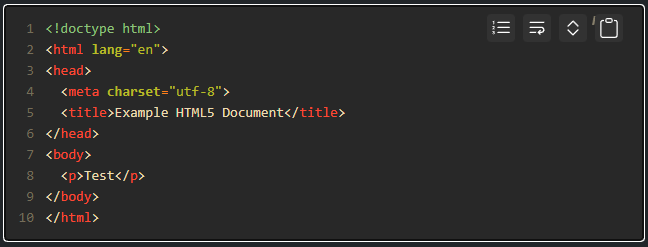
Code Block Panel
The code block panel provides abilities to expand code, copy code, wrap code and toggle code line numbers.
Modules Overview
This article shows how to install, uninstall and upgrade modules.
Back to Top
AKA return to top, a button to back to top.
Progress Bar
A progress bar will be shown when opening a new page in the current tab and window.
Diagrams
HB supports GoAT and Mermaid for rendering diagrams.
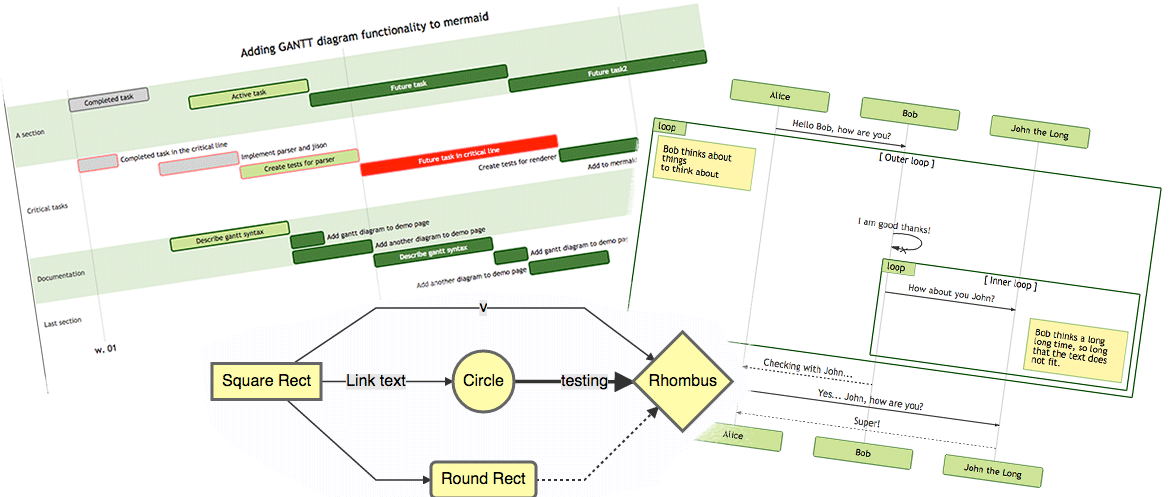
Mermaid
Mermaid is a JavaScript-based diagramming and charting tool that uses Markdown-inspired text definitions and a renderer to create and modify complex diagrams.
Prerequisites
Style Guide
Undoubtedly, the same coding style helps developers to cooperate with each other. We suggest taking a few minutes to learn about the coding style used, if you’re going to help us improve the code.